
Daylite Consulting & Training
I help organizations manage their contacts and relationships using Daylite
The most effective Daylite setups reflect how your organization works. Whether you're a solopreneur or a small organization, I work with you to set up Daylite around the way you operate and get everyone who uses it up to speed.
Some organizations come to me new to Daylite; others already use it and want to refine their setup and workflows. Either way, I can help bring structure and clarity to your use of Daylite and provide training to put it into practice.
What Is Daylite?

Daylite is a business productivity manager for Mac, iPhone, and iPad, developed by Marketcircle. It keeps your contacts in one place, together with everything tied to them: sales opportunities, projects, emails, notes, and appointments. That means you can keep track of your relationships and your day-to-day activities without juggling separate apps. Built specifically for Apple devices, it fits naturally alongside the tools you already use.
How I Can Help
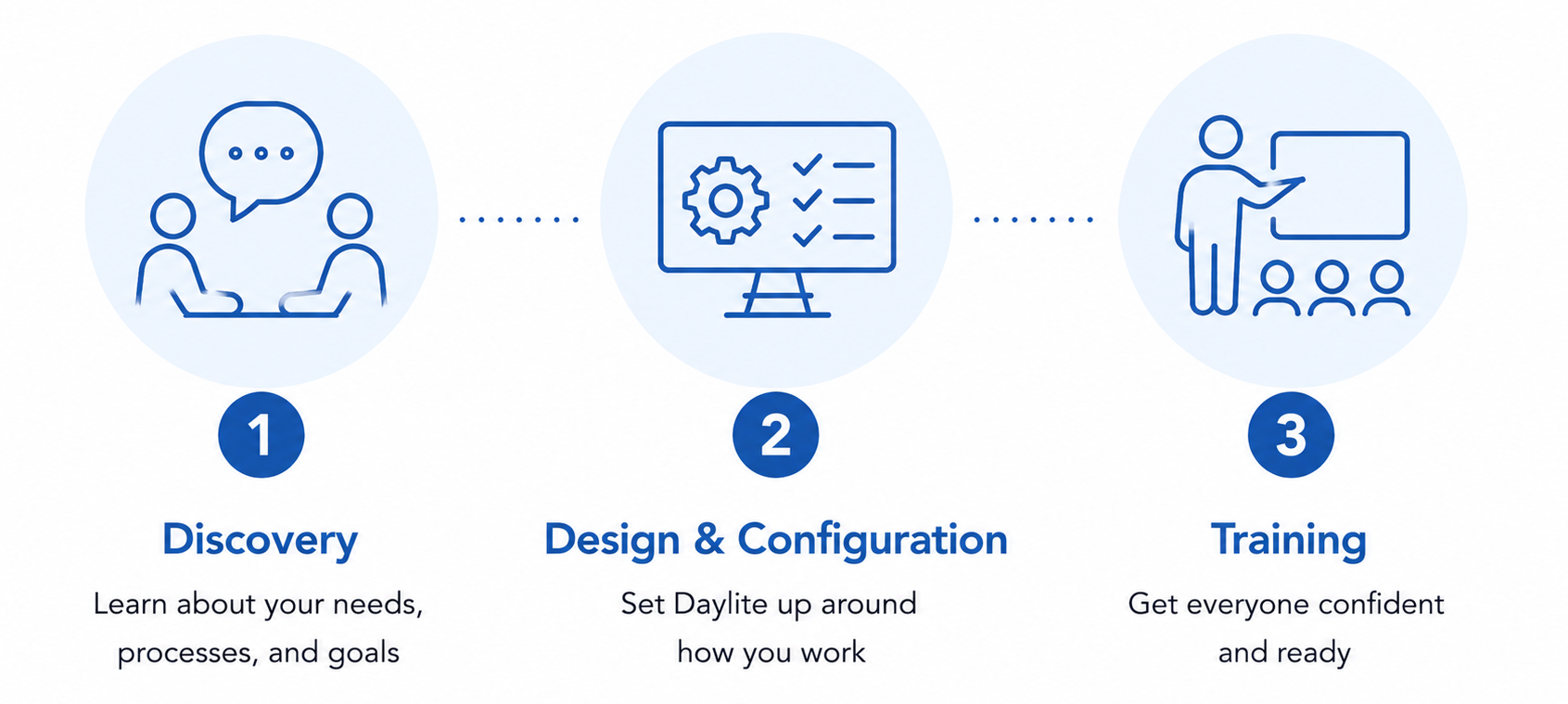
I provide Daylite consulting and training tailored to how your organization works, from initial setup through training and ongoing reviews. Whether you're new to Daylite or refining an existing setup, most engagements follow the same path, beginning with a Discovery Session. Here's how it works, step by step.
Step 1: Discovery Session
The Discovery Session is a 90-minute conversation in which I learn about your organization, processes, and goals, and recommend how Daylite can support the way you work. If you're already using Daylite, I'll review your current setup as part of this.
The Discovery Session is billed at my standard consulting rate. Additional consulting and training is billed on either a fixed-cost or hourly basis.
Step 2: Design & Configuration
I help you configure Daylite to fit the way your organization works. If you're new to Daylite, I'll help you set your system up around your processes. If you're already using Daylite, I'll review your setup, recommend improvements, and guide you in implementing them, often using tools like smart lists and bulk edit to clean up gaps and inconsistencies in your data. Along the way, you'll learn Daylite's features and best practices.
This phase typically takes one or two sessions, totalling four to eight hours depending on complexity. To keep things focused, it's best to involve just one or two key people.
Step 3: Training
Once your Daylite setup is in place, I train the people who'll be using it day-to-day. Training comes in two parts.
Basic Training is for everyone who'll use Daylite. It covers Daylite's key features and how your setup is configured, so everyone can work confidently from day one. This training typically consists of two 90-minute sessions.
Advanced Training is for the people who'll use Daylite most heavily, including anyone acting as a system administrator. It goes deeper into features like smart lists, forms, letter templates, and user management.
Sessions can be recorded for internal use.
My Expertise
I've used Daylite to run Technically Simple since 2007, and I'm a Gold Level Marketcircle Expert. I've helped solopreneurs and small organizations around the world set up and get the most out of Daylite.

System Reviews
As your organization evolves, so should your Daylite setup. I offer periodic system reviews to keep it working well: highlighting gaps or inconsistencies in your data, helping you refine your workflows, and catching you up on new Daylite features. I usually recommend a first review a few months after you start using Daylite, then once a year after that. Reviews typically take one to three hours.
Technical Support and Data Migration
I don't provide ad hoc technical support. For everyday questions, Marketcircle offers free email support (choose Contact Support from the Help menu in Daylite), and you can find other specialists in the Marketcircle Expert Directory. I'm also happy to advise on data migration, though I don't carry out migrations myself.
The Next Step
If this all sounds good, start a Daylite inquiry using the button below and share some information about your organization.